
Card, transfer or cash: taking payments your staff can trust
Fake transfer alerts, payments that land after the customer has left the screen, and cash that never reaches the books. How a good payment setup handles all three.
Every business owner in Nigeria has a payment story. The customer who showed a “successful transfer” screenshot that never arrived. The money that landed an hour later, after an angry phone call. The cash payment nobody wrote down.
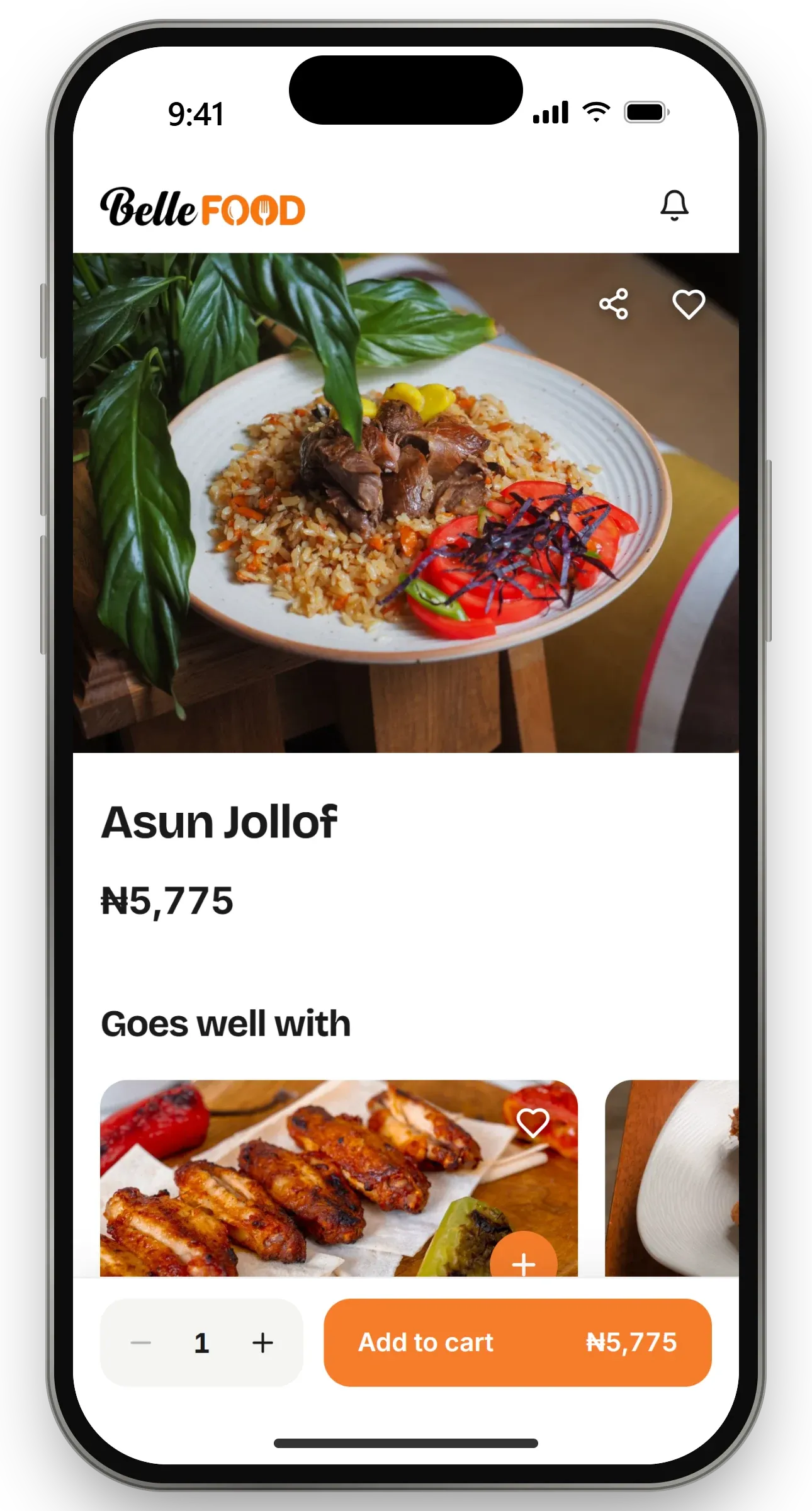
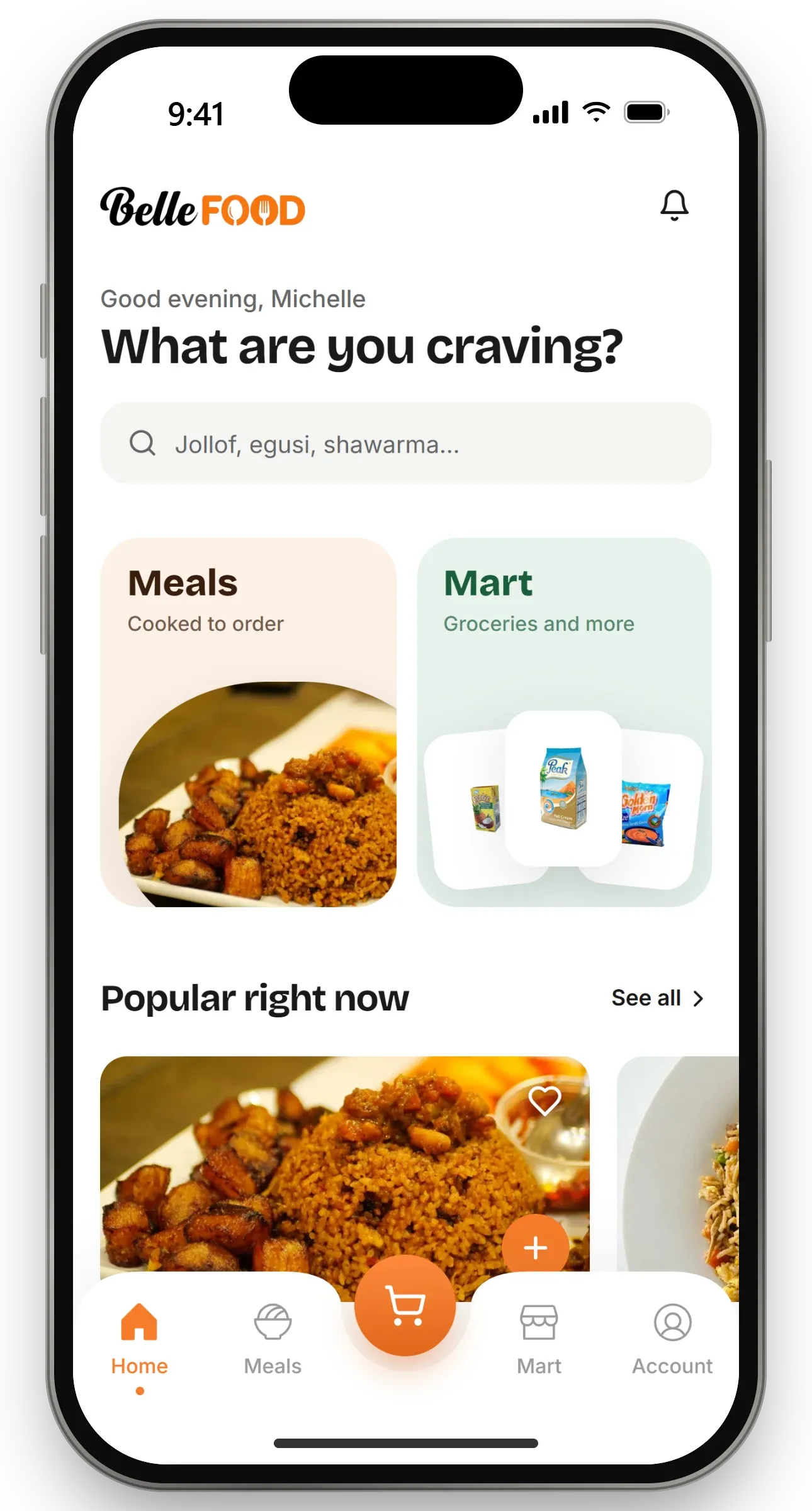
Taking money online is easy to set up badly. Here is what a payment setup should do, and how we build it for clients like BelleFood and Zenthos Gym.
Rule one: a screenshot is not a payment
A customer’s screen can say anything. The only thing that should mark an order as paid is confirmation from the payment provider, checked by the system itself, not by the customer and not by a member of staff looking at a phone.
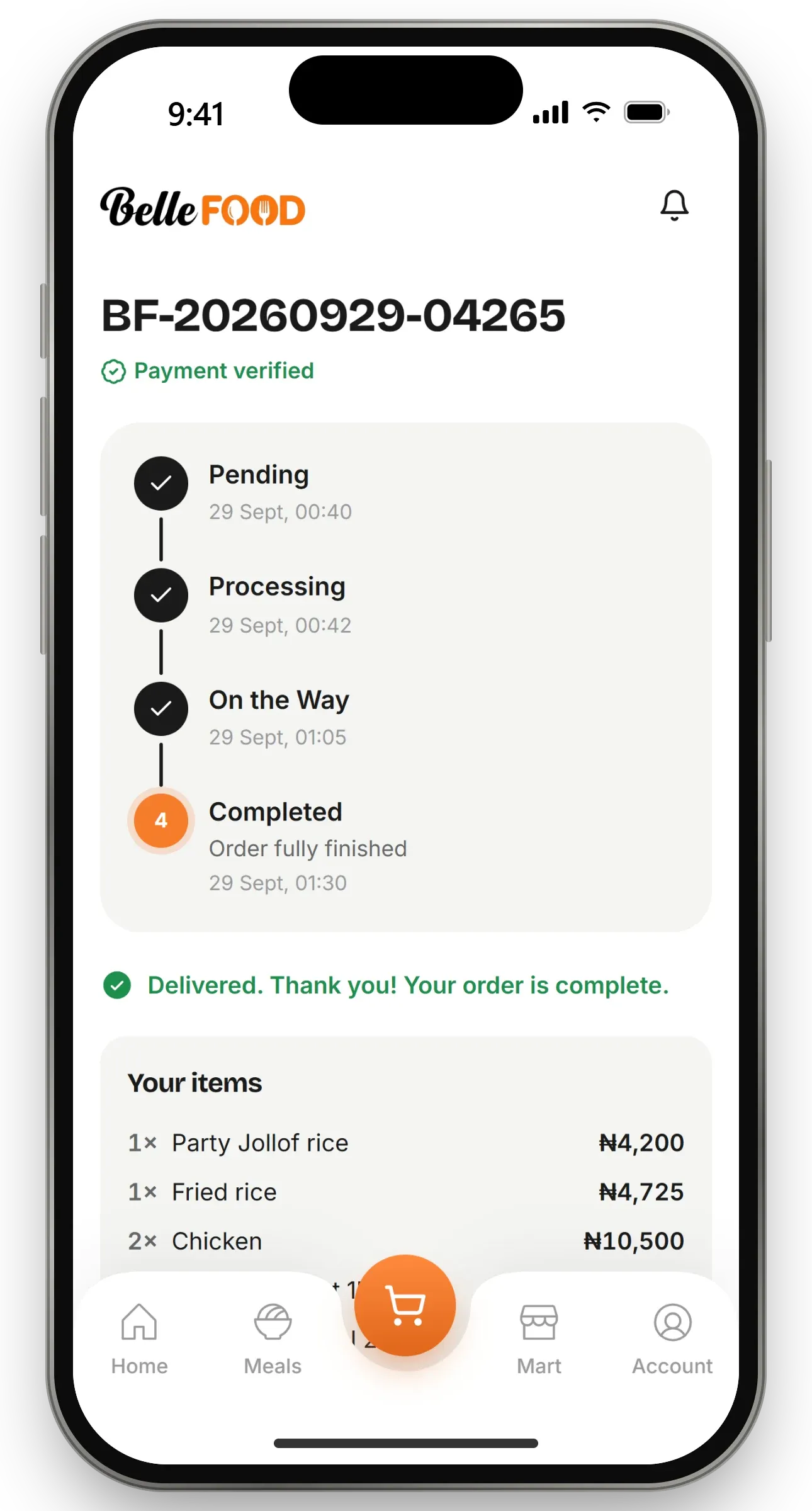
In the apps we build, an order exists from the moment it is placed, but nothing treats it as real until the money is confirmed. The kitchen does not start cooking, the customer does not get points, and nobody gets an “order confirmed” message, until the system has checked with Paystack that the right amount arrived for that exact order.
Rule two: the customer who leaves early still gets served
Many customers pay by transfer. They switch to their bank app, send the money and close the screen before anything confirms. Bank transfers usually arrive quickly, but not always instantly.
A weak checkout tells that customer their payment failed. A good one waits. BelleFood’s checkout tells the customer that a transfer already sent will confirm on its own, keeps watching, and takes them to their order the moment the money lands. Paystack also notifies the system directly, so the order is confirmed even if the customer has closed the app completely.
Rule three: some payments need a person, and that is fine
Some customers prefer to send money straight to the business’s own bank account. That is a normal part of doing business here, so the apps support it properly: the customer uploads their receipt and bank reference, and a member of staff confirms it against the business’s own bank alert before the order goes ahead.
At the gym, cash paid at the desk is recorded in the system and applied to the member’s plan immediately, with a receipt. Every naira ends up in the same records, however it was paid.
Rule four: your money goes straight to you
Customer payments should go directly into the business’s own Paystack and bank accounts. The company that builds your app should never hold your money. In every project we deliver, ZenthosLab has no access to client funds.
Rule five: alerts follow the money
Staff should hear about an order when it is paid, not when it is placed. Otherwise the kitchen starts cooking meals nobody has paid for, and the team learns to ignore alerts. In our apps, the “new order” and “payment received” alerts fire only once payment is confirmed, and never twice for the same payment.
What to ask before you choose a payment setup
- Who confirms a payment: the system, or someone looking at a screenshot?
- What happens when a customer pays by transfer and closes the screen?
- Can customers pay directly into your account, and can staff confirm it properly?
- Does the money go straight to you?
- Do your staff get alerts for paid orders only?
If the answer to any of these is unclear, money is leaking somewhere.